SpeedDB
A downloadable SpeedDB for Windows
THIS IS A SIMPLE STUDENT PROJECT BUILT BY A THIRD YEAR BACHELOR'S DEGREE STUDENT IN COMPUTER SCIENCE & ENGINEERING , MAJORING IN DATA SCIENCE. SPEEDDB HAS MANY LIMITATIONS AS IS ONLY BUILT FOR FUN.
Visit GitHub for source code and more details
https://github.com/rishav-data
SpeedDB – The Screaming Encrypted Database Engine
The world's first database that verbally abuses you for bad queries.
SpeedDB is a standalone encrypted database system disguised as a cursed desktop application.
It features:
-
AES-Fernet encrypted JSON tables
-
Built-in GUI client with animations & sound effects
-
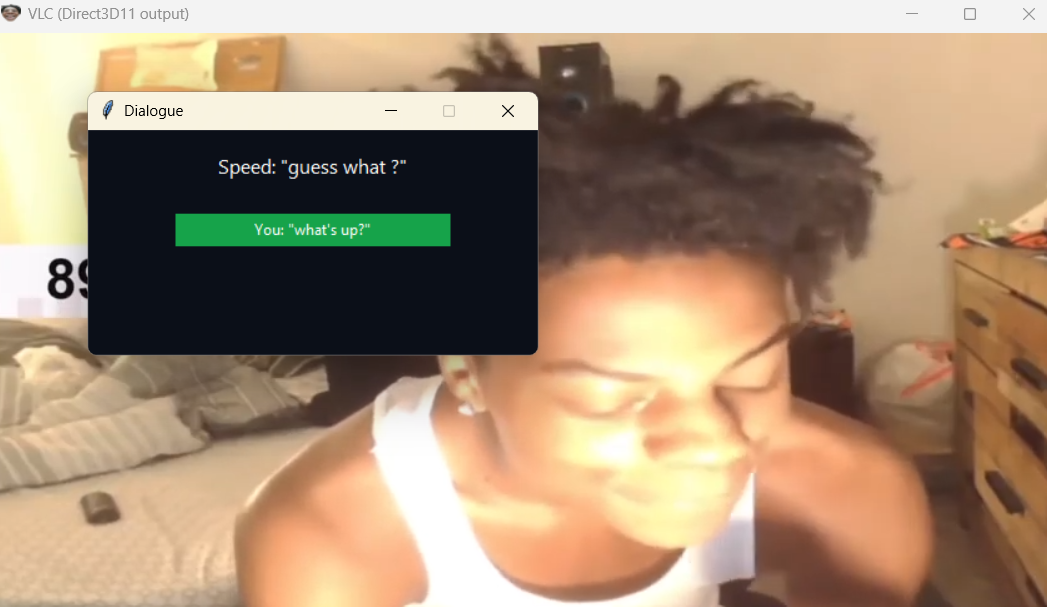
Error screams powered by IShowSpeed clips
-
Cinematic “I’m Gay” cutscene on root access failure
-
Local server auto-start (port 6969)
-
Works 100% offline — data stays local & encrypted
…and more.
Download
Install instructions
1. Download ZIP
2. Extract
3. Run SpeedDB.exe
4. Don't anger Speed.
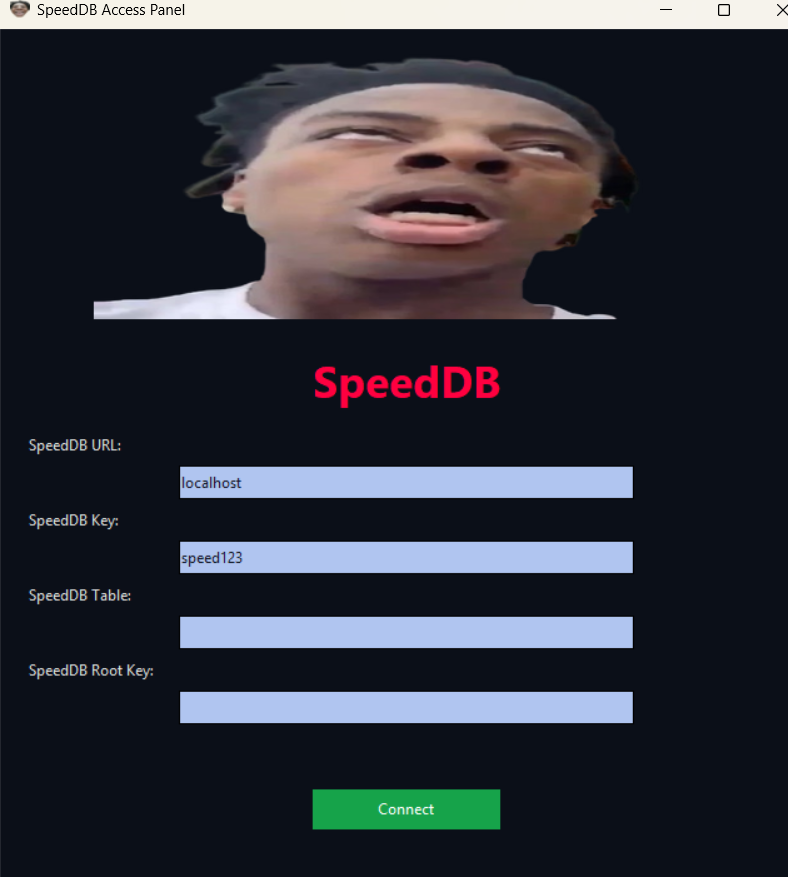
LOGIN CREDENTIALS
SpeedDB URL: localhost (or the server machine’s IP — e.g. 192.168.1.42)
Note: the client always connects to port 6969, so don’t include a port in the URL field.
SpeedDB Key: speed123
(this is the server PASSWORD used by AUTH <user> <pw>)
SpeedDB Root Key: myroot123
(the GUI checks this against CORRECT_ROOT_PASSWORD)
COMMANDS
AUTH
Authenticate with the database server.
Syntax:
AUTH <username> <password>
Example:
AUTH speed speed123
LIST_TABLES
Returns a JSON list of all tables stored in SpeedDB.
Syntax:
LIST_TABLES
Example:
LIST_TABLES
CREATE_TABLE
Creates a new table with the specified columns.
Syntax:
CREATE_TABLE <table_name> <col1> <col2> <col3> ...
Example:
CREATE_TABLE students name age grade
DROP_TABLE
Deletes a table and its metadata.
Syntax:
DROP_TABLE <table_name>
Example:
DROP_TABLE students
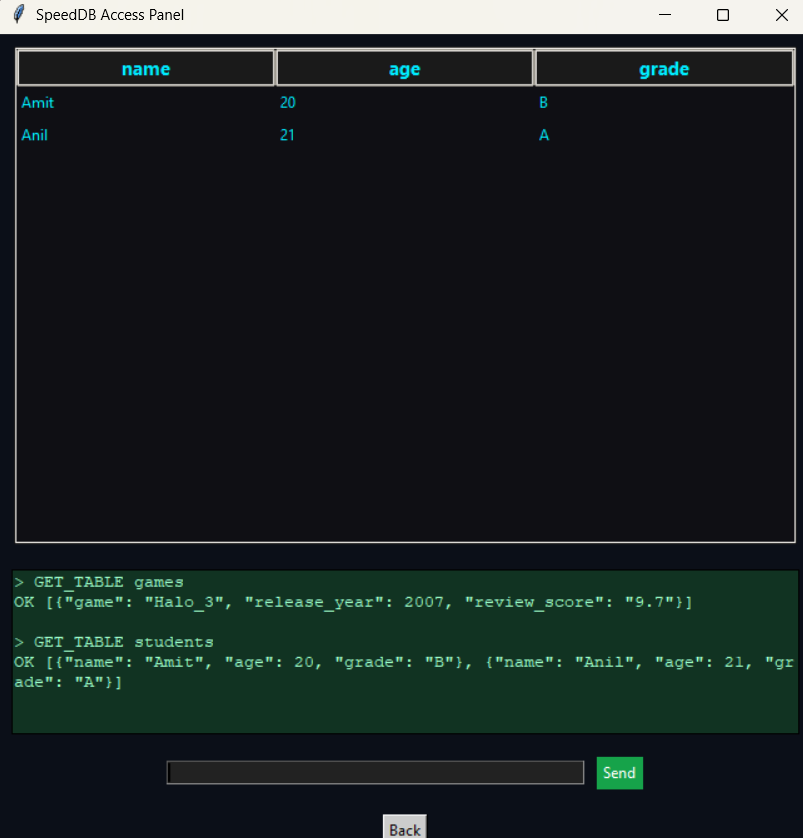
GET_TABLE
Returns all rows from a table as JSON.
Syntax:
GET_TABLE <table_name>
Example:
GET_TABLE students
INSERT
Inserts a JSON object as a new row into the table.
Syntax:
INSERT <table_name> {json_object}
Example:
INSERT students {"name":"Amit","age":20,"grade":"B"}
DELETE_ROW
Deletes rows matching a simple equality condition.
Syntax:
DELETE_ROW <table_name> WHERE <column> = "<value>"
Example:
DELETE_ROW students WHERE name = "Amit"
HELP
Displays all supported commands.
Syntax:
HELP
Example:
HELP
Leave a comment
Log in with itch.io to leave a comment.